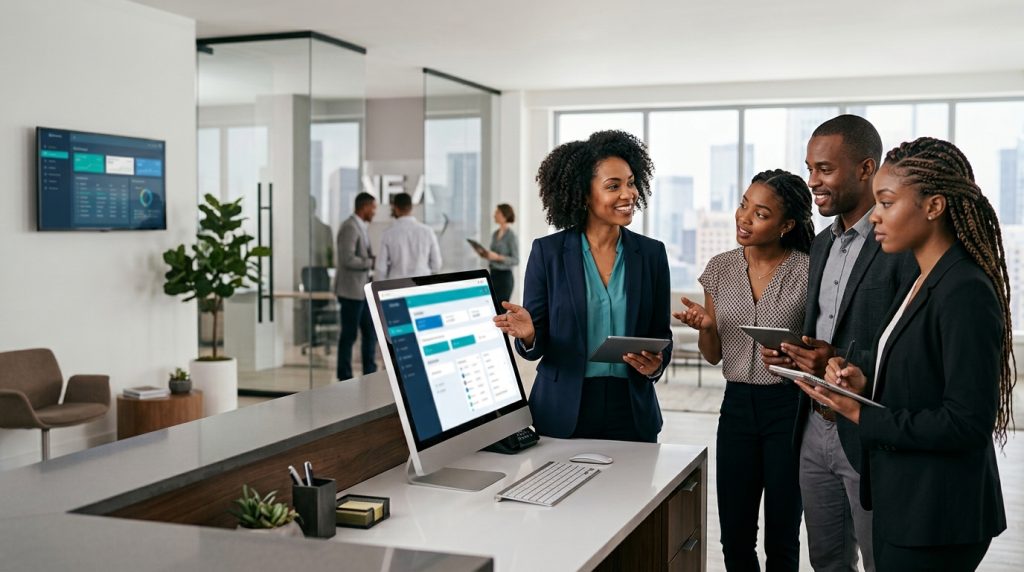
A front desk team in a 3-star hotel quietly went back to their old paper check-in sheets three weeks after a brand-new PMS was installed. Nobody announced it. It just happened, one shift at a time, until a manager noticed the “new” system barely had any activity logged for the week. When she asked why, the answer was almost apologetic: “It just felt faster to do it the old way. We didn’t really understand the new one.”
That wasn’t rebellion. It was a failure of front desk staff training: a team that had been handed new software and left to figure it out mostly on their own, under pressure, with guests waiting. Given a choice between confusion and comfort, they chose comfort, and honestly, most people would.
Why Resistance Shows Up Even When the Tech Is Genuinely Better
New software rarely fails because it’s badly built. It fails because of how it lands on the people expected to use it. Staff juggling check-ins, phone calls, and walk-in guests don’t have room to fumble through an unfamiliar system while a line forms. So, when something feels slower or less certain than the process they already know by heart, they quietly drift back to it, not out of stubbornness, but out of self-preservation during a busy shift.
This is playing out across the industry right now. 65% of hoteliers say adopting new technology is their top strategy for managing staff shortages and improving both employee and guest experience, yet the tools themselves are only half the equation; how a hotel handles front desk staff training for that technology decides whether it actually gets used, or quietly abandoned like that Lagos front desk’s old paper sheets.
What Actually Drives Resistance
- Fear of looking incompetent in front of guests: Nobody wants to fumble through an unfamiliar screen while a guest waits and watches; that anxiety alone is enough to push staff back toward whatever they already know cold.
- Training that was too rushed, or too generic: Front desk staff training squeezed into a single walkthrough during a busy shift rarely gives anyone real confidence. Staff need enough repetition to move past “I think I remember how” to actually knowing.
- No one explaining the “why”: A system introduced with zero context feels like extra work for its own sake. A team that understands what a new tool actually fixes for them is far more willing to push through the awkward learning phase.
- Bad first experiences with technology before: A team that’s been burned by a poorly implemented system in the past (one that created more problems than it solved) carries that scepticism into the next rollout, whether it’s deserved this time or not.

5 Front Desk Staff Training Tips to Get Your Team On Board
1. Explain the problem before introducing the solution: Before training even starts, show staff specifically what the new system fixes for them, such as fewer manual entries, faster check-ins, less time spent reconciling errors at the end of a shift. A team that sees the personal benefit engages differently than one just told: “this is what we’re using now.”
2. Train in small, repeatable sessions, not one long session: Modern, well-designed system interfaces are dramatically cutting staff training time, turning onboarding from weeks into days — but only when front desk staff training is structured in digestible pieces staff can actually absorb, rather than crammed into a single overwhelming walkthrough.
3. Practice on a live-like system before going live for real: Let staff make mistakes in a test environment, where a wrong click doesn’t affect a real guest. Confidence built in a low-stakes setting transfers directly to confidence at the actual front desk.
4. Assign a go-to person on each shift: A team member who’s slightly further along and available to answer quick questions in the moment removes a huge amount of the anxiety around “what if I get stuck and a guest is standing right there.”
5. Check in after go-live, not just before: The real resistance often shows up two or three weeks in, once the novelty fades and the old habits start feeling tempting again. A quick follow-up check — what’s working, what’s still confusing — catches the quiet reversion before it becomes the new normal. We saw the same pattern when deploying eZee across multiple serviced apartments: the first rollout takes the most effort, and every one after it gets easier.
Rolling out new tech soon? We help hotels plan front desk staff training so the new system actually gets used. Book a consultation →
What This Looks Like in Practice
This is exactly where Apples of Gold Consulting works alongside hotels, not just recommending new technology that improves guest experience and revenue, but building the front desk staff training and change-management process that actually gets front desk staff using it confidently. Because striking the right balance between automation and personal service is what separates hotels that successfully adopt new technology from those that quietly abandon it, front desk staff training matters just as much as the software being introduced, sometimes more.
Want a rollout your team actually sticks with? Let us show you how we set up eZee and train your front desk, step by step. Book a free demo →
Front Desk Staff Training FAQs
How long does front desk staff training take for a new PMS?
Most front desk teams can handle the basics, such as check-ins, check-outs, reservations and billing, after a few short sessions spread over a week. Confidence comes with practice, so plan for follow-up support during the first few weeks after go-live, not just training beforehand.
Should we train everyone at once or in groups?
Small groups usually work better. Training one shift at a time keeps the front desk covered, lets people ask questions without feeling exposed, and means each group can practise on real scenarios they’ll face during their own shift.
What if a senior staff member refuses to use the new system?
Start by understanding why. Experienced staff often resist because they’re worried about looking less capable in front of the team. Involving them early, asking for their input and making them a go-to person on their shift often turns your biggest sceptic into your strongest champion.
Can we keep using the old system alongside the new one?
For a short, planned overlap, yes. Running both for a few days can build confidence. But set a clear switch-off date. If the old system stays available indefinitely, staff will keep falling back on it, and the new system never fully takes hold.
The Real Fix Isn’t Better Software. It’s a Better Rollout.
Resistance to new technology is rarely about the technology itself. It’s about a team that wasn’t given the time, context, or support to actually get comfortable before being expected to perform under pressure. Fix the rollout, and the resistance usually fixes itself. A smoother adoption also strengthens the connection between operational efficiency and hotel profitability.
A confident front desk team isn’t the one that never struggled with something new. It’s the one that was trained well enough to get through the struggle quickly and never looked back at the old way again.
Give your front desk the confidence to embrace change, not resist it. Contact Apples of Gold Consulting to see how we can help.