
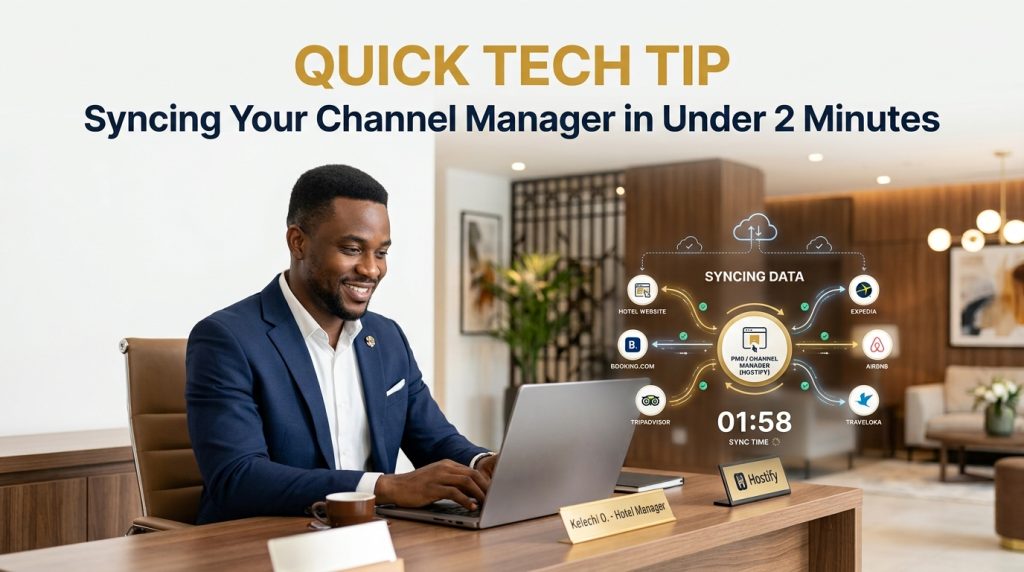
Channel manager sync sounds like a job for the IT guy, but it really shouldn’t take longer than making a cup of tea. If your team is still logging into Booking.com, then Expedia, then Airbnb, one by one, to change the same rate three separate times, this quick tip was written for you.
Here’s the honest problem. Updating every OTA by hand is slow and easy to get wrong, and those manual updates can quietly swallow more than 14 hours a week. That’s nearly two full working days, every single week, spent on something a properly synced system does on its own in the background.
Why Channel Manager Sync Matters More Than You Think
Think about how quickly the ground shifts under an independent hotel. OTAs now bring in 63.4% of independent hotel bookings, and those bookings cancel more than twice as often as direct ones, 21.8% against 10.6%. Rooms are constantly being sold, released and resold, which means the availability you typed in this morning may already be wrong by lunch.
Add rising labour costs to that and manual updates stop being a harmless habit. One slow edit is all it takes for a room to be sold twice, and a guest turns up at your front desk holding a confirmation for a room that’s gone. That’s the moment a sync problem becomes a guest problem. For any property selling on more than a couple of platforms, this isn’t optional housekeeping. It’s core infrastructure.
The 5-Step Channel Manager Sync Check
Here’s the quick version. Work through these in order, and you’ll know exactly where you stand.
Step 1: Confirm your PMS connection is live. Before you touch a single rate, make sure your system is pulling from the PMS in real time, not on a delayed batch schedule. A connection that only refreshes every few hours defeats the whole purpose, because real-time inventory sync is what stops overbookings before they start.
Step 2: Set your base rate once, in one place. Change your room rate from the dashboard, not on each OTA. One edit, applied everywhere, instantly, and your inventory stays exactly as it was.
Step 3: Check your inventory pool. Please ensure every channel draws from the same shared count, not a separate allotment per platform. When a booking lands, availability should drop across all connected platforms at once. If it doesn’t, that’s your overbooking risk hiding in plain sight.
Step 4: Apply your restrictions in one go. Minimum stay, closed-to-arrival, closed-to-departure: the full set should be pushed everywhere at once rather than set one OTA extranet at a time.
Step 5: Run a quick test booking. Make a reservation on one channel, cancel it, and watch availability update on the others. This two-minute check is the difference between assuming your channel manager sync works and actually knowing it does.
What Happens When Channel Manager Sync Goes Wrong
Inventory mismatches, rate discrepancies, and update delays are the three problems hotels run into most often. They usually trace back to PMS integration settings nobody ever verified, or to rate rules on an OTA quietly overriding what your channel manager is sending. A quick audit, run regularly rather than only after something has already gone wrong, catches these before a guest ever notices.
How eZee Centrix Handles Channel Manager Sync
This is where eZee Centrix takes the guesswork out. It connects your PMS to the major OTAs and GDS with real-time, two-way sync, so a rate or availability change made once shows up everywhere, instantly, without re-entering anything across separate extranets. You can see how it fits with the rest of the suite on eZee’s Nigeria page, and eZee’s own guide to channel managers explains why a single dashboard changes the way a hotel sells. Apples of Gold Consulting has been eZee’s premium partner in Nigeria since 2010, so setup, training, and support happen locally, with people who know how Nigerian hotels actually operate.
The Real Win of Getting Channel Manager Sync Right
A properly synced system isn’t a luxury. It’s the difference between a team spending 14 hours a week fighting spreadsheets and extranets, and a team spending those same hours looking after guests. Two minutes spent checking your sync today could save your whole team a very bad afternoon next week.
Want your channel manager sync working like this? Reach out to book a demo to see eZee Centrix get every channel syncing in real time, properly, from day one.