
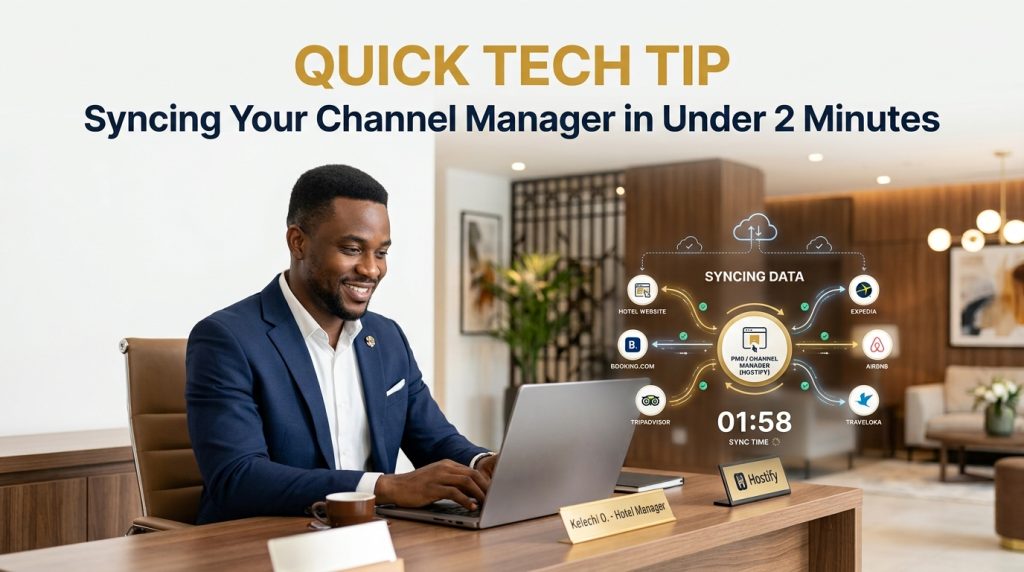
Channel manager sync sounds technical, but it really shouldn’t take longer than making a cup of tea. If your team is still logging into Booking.com, then Expedia, then Airbnb, one by one, to update the same rate three separate times, this quick tip is exactly for you.
Here’s the honest problem: managing bookings manually across OTAs, GDS, and direct channels is error-prone and time-consuming, and manual channel updates alone can eat up more than 14 hours a week — nearly two full working days, every single week, doing something a properly synced system handles automatically in the background.
Why Channel Manager Sync Matters More Than It Seems
The stakes here aren’t abstract. Hotels using a channel manager see up to 20% more bookings and 80% fewer overbookings than those managing channels manually. That’s not a small operational nicety — it’s the difference between a guest showing up to a room that’s already been sold twice and a guest checking in without incident because the system caught the conflict before it happened.
Independent hotels face rising OTA dominance — OTAs now account for 63.4% of independent hotel bookings alongside rising labour costs, making manual channel management genuinely unsustainable for any property selling on more than one or two platforms. If that’s your hotel, this isn’t optional housekeeping. It’s core infrastructure.
The 5-Step Channel Manager Sync Check
- Confirm your PMS connection is live. Before touching a single rate, check that your system is actually pulling from the PMS in real time, not on a delayed batch schedule. Real-time inventory sync is what prevents overbookings in the first place; a connection that only updates every few hours defeats the purpose entirely.
- Set your base rate once, centrally. Update your room rate from within the dashboard, not on each OTA individually. A revenue manager can push a rate change to every channel while leaving inventory untouched, which means one edit, applied everywhere, instantly.
- Check your inventory pool. Make sure every channel is drawing from the same shared inventory count, not separate allotments per platform. When a booking happens, availability should update instantly across all connected platforms — if it doesn’t, that’s your overbooking risk hiding in plain sight.
- Apply your restrictions in one place. Minimum stay, closed-to-arrival, closed-to-departure — the full restriction set should be supported natively and pushed everywhere at once, rather than set individually on each OTA extranet.
- Run a quick test booking. Make (and then cancel) a test reservation on one channel, and confirm availability drops instantly across the others. This two-minute check is the difference between assuming your sync works and actually knowing it does.
What Breaks When Channel Manager Sync Isn’t Set Up Right
Inventory mismatches, rate discrepancies, and update delays are the three most common issues hotels run into, and are usually traced back to PMS integration settings that were never properly verified, or rate rules on an OTA quietly overriding what the channel manager is sending. A quick audit, run regularly rather than only when something’s already gone wrong, catches these before a guest ever notices.
What Channel Manager Sync Looks Like When It’s Working
This is exactly where eZee Centrix removes the guesswork. It connects your PMS to every major OTA and GDS with real-time, two-way sync: a rate or availability change made once updates everywhere, instantly, without any manual re-entry across separate extranets. For a hotel currently spending hours a week on manual channel updates, this is the fix that gets that time back immediately.
The Real Win of Getting Channel Manager Sync Right
A properly synced system isn’t a luxury feature. It’s the difference between a team spending 14 hours a week fighting spreadsheets and extranets, and a team spending those same hours actually taking care of guests. Two minutes to check your sync today could save your whole team a very bad afternoon next week.
Want Your Channel Manager Sync Actually Working Like This?
If your channel manager still feels more like manual labor than automation, let’s fix that. Reach out to see how eZee Centrix can get every channel syncing in real time, properly, from day one.